
Record income
2 min read
Cattle sales and other farm income in one place, with a period total.
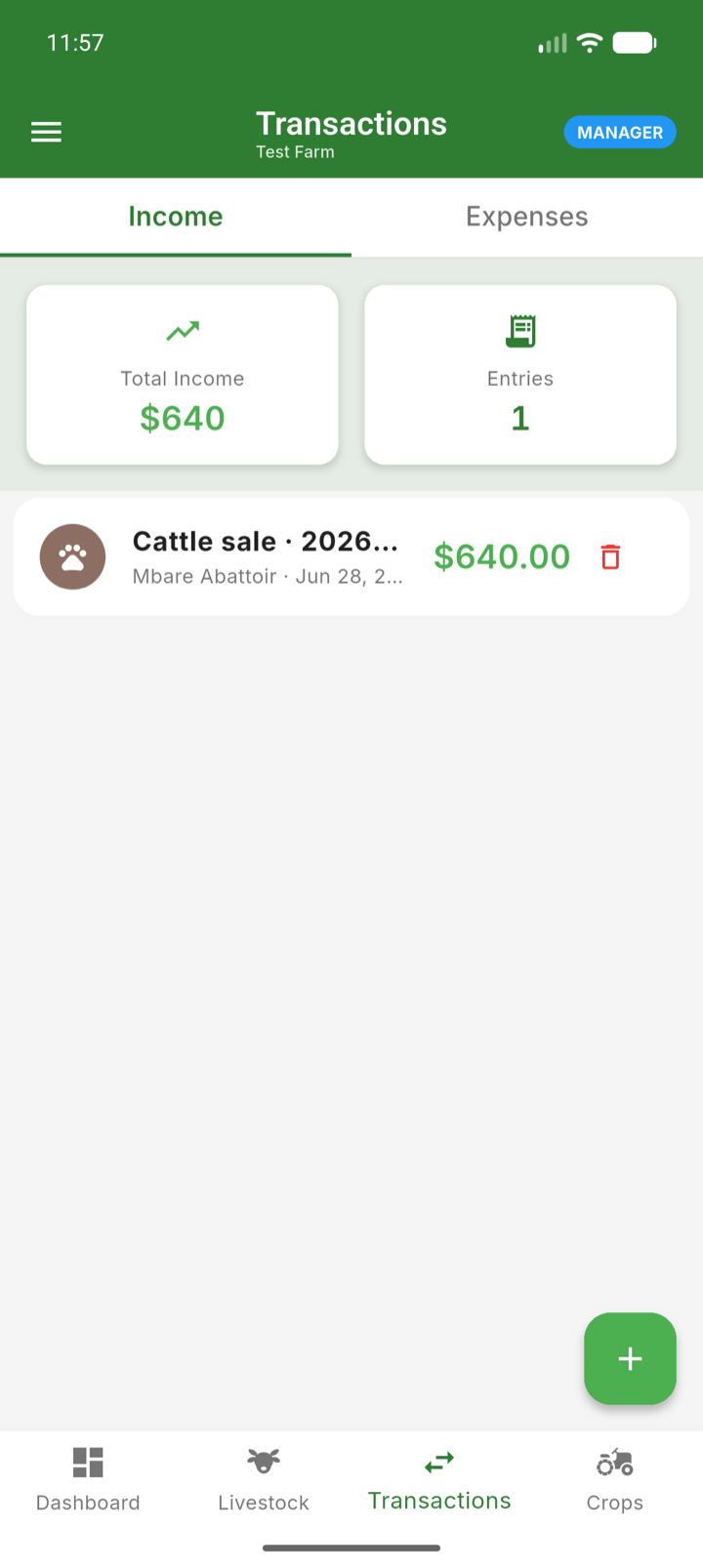
The Income tab in Transactions combines two kinds of money in: cattle sales (recorded through the sale flow, animal by animal) and general income — milk sales, manure, equipment hire, or any other one-off earnings.
Record general income
- 1Open Transactions on the Income tab.
- 2Tap add and pick the income type.
- 3Enter the amount, date and a description.
- 4Save. The entry joins the list alongside your cattle sales, and the summary card shows the period total.
Note: Cattle sales are not entered here directly — record them through the sale flow so the animal, buyer and price are all linked. See Sell an animal.