
Weather and rainfall
2 min read
Regional weather for your farm's location, plus a rainfall log you can keep manually.
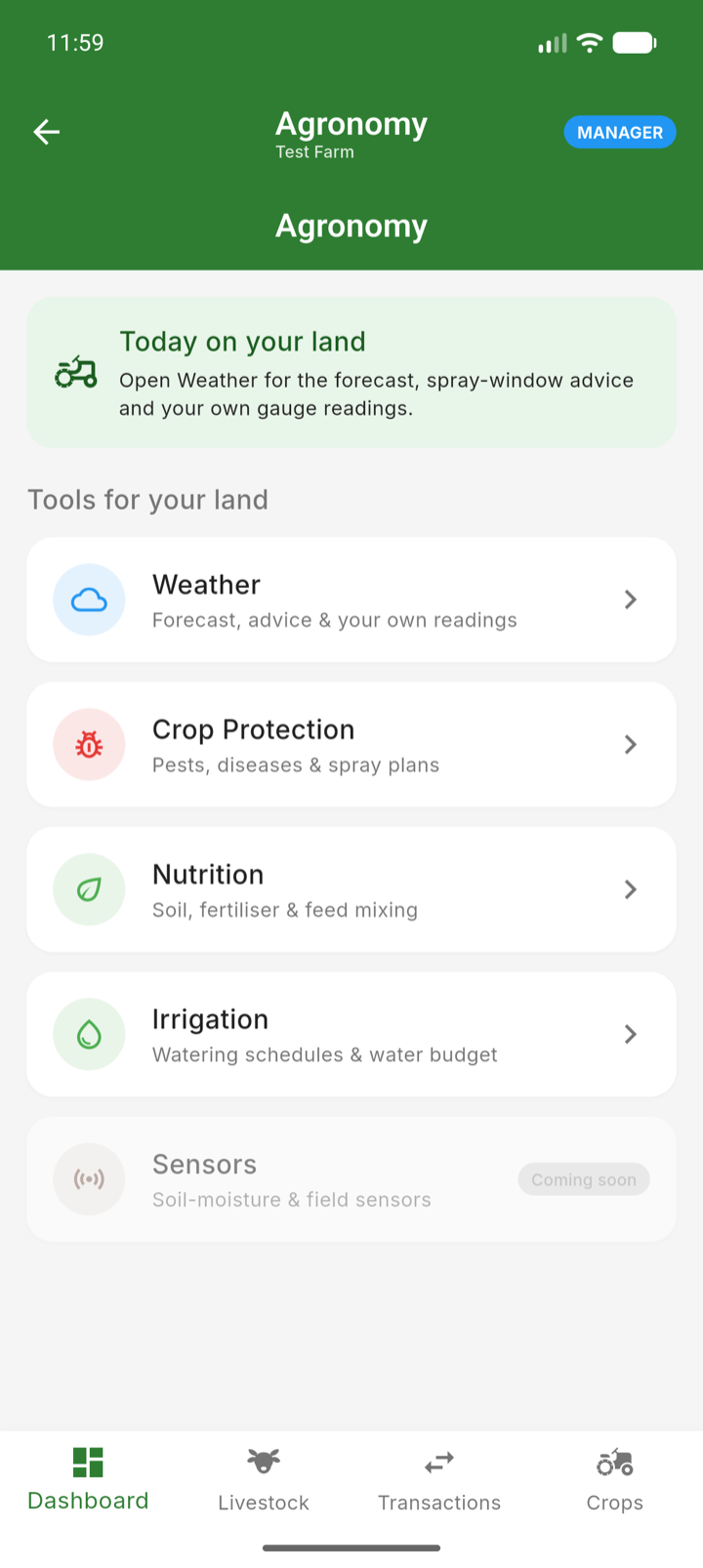
The Weather section (under Agronomy) shows conditions for your farm's location — temperature, rainfall, wind and humidity — along with a historical rainfall chart of weekly totals.
Log your own rainfall
- 1Open Agronomy → Weather from the menu.
- 2Add a rainfall record with the date and millimetres from your rain gauge.
- 3The chart combines your records into weekly totals over the season.
Note: Weather data needs your farm's location — if the section prompts you for it, a manager should set the location in Farm Settings. The rainfall source setting there chooses between automatic weather-service data and your manual gauge readings.