
Add a project
2 min readManagers only
Group cattle or crops into a cycle — pen fattening, breeding, a crop season — and track them together.
Video: How to add a project · 0:32 · open tutorial page
A project is a cycle of work you want to track as one unit: a pen-fattening lot, a breeding group, a maize season or any general initiative. Animals, activities and expenses can be linked to a project so you can see how the cycle performed.
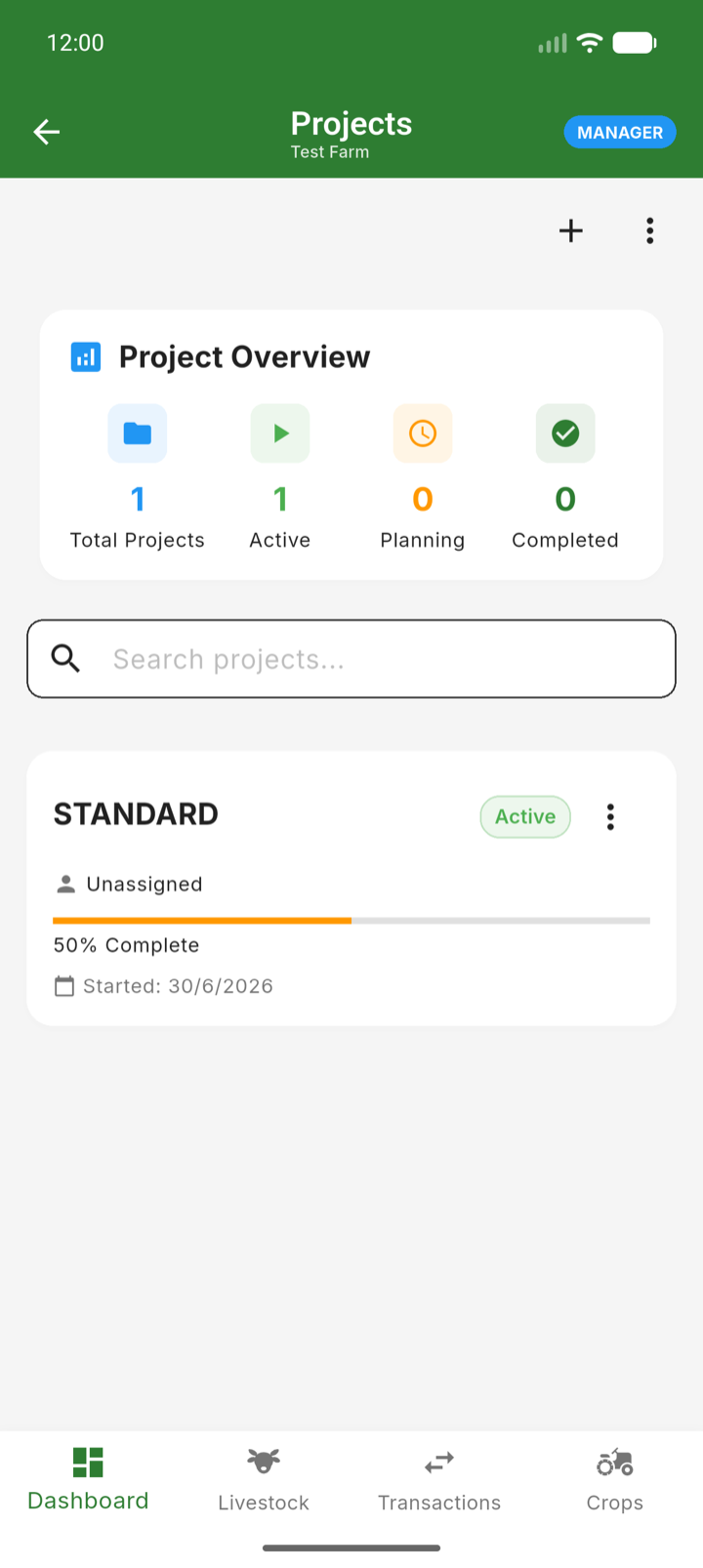
- 1Open the menu and go to Master Data → Projects.
- 2Tap the add button.
- 3Name the project and choose its type — Fattening, Breeding, Crop or General.
- 4Set the start date and add a short description.
- 5Save. The project is now available wherever the app asks which project something belongs to.
Tip: When a cycle finishes, close or archive the project instead of deleting it — the history stays available for reports and comparisons.