
View and manage your herd
3 min read
The My Herd list, animal detail pages, search and filters, and bulk actions.
My Herd is the register of every active animal on the farm, newest first. Each card shows the tag, breed, latest weight and project. You can search by tag and filter by project.
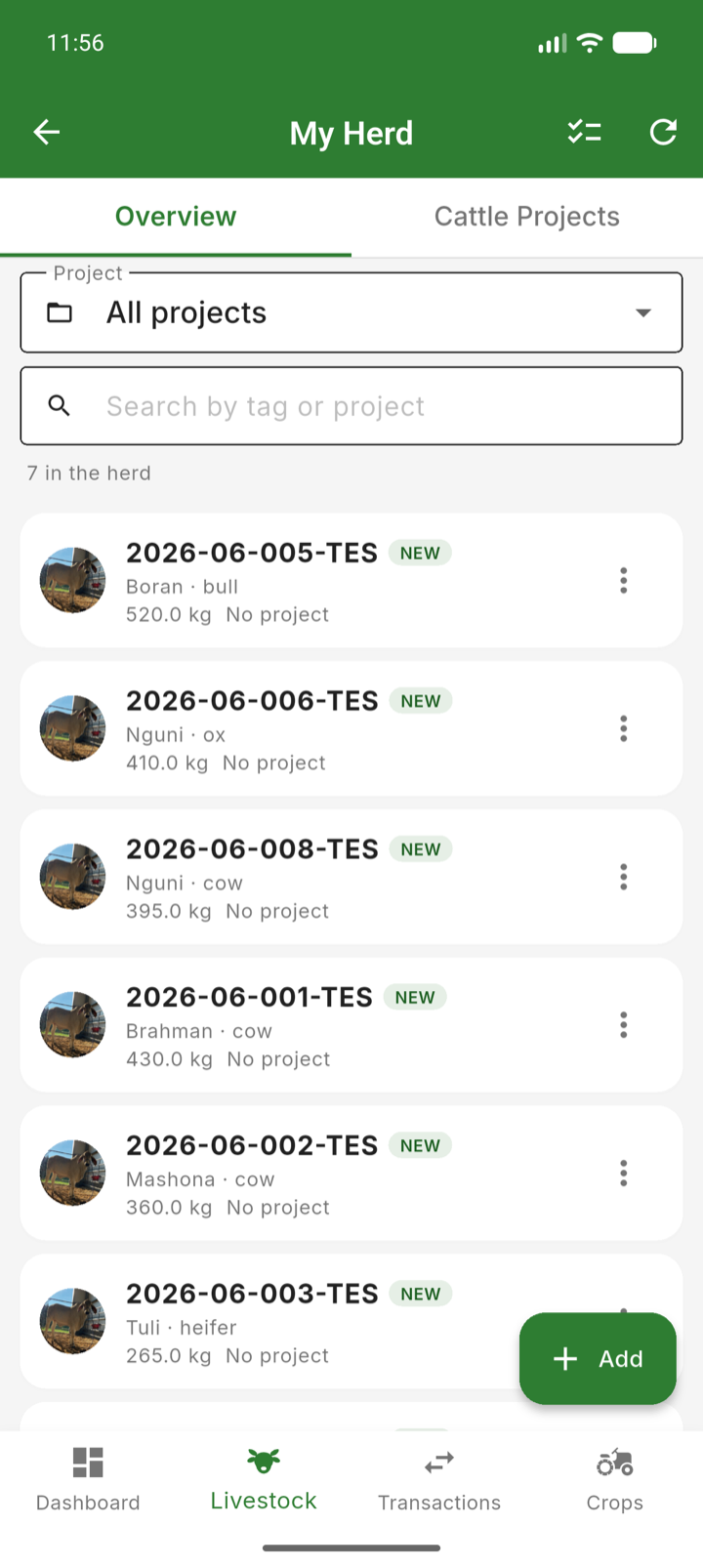
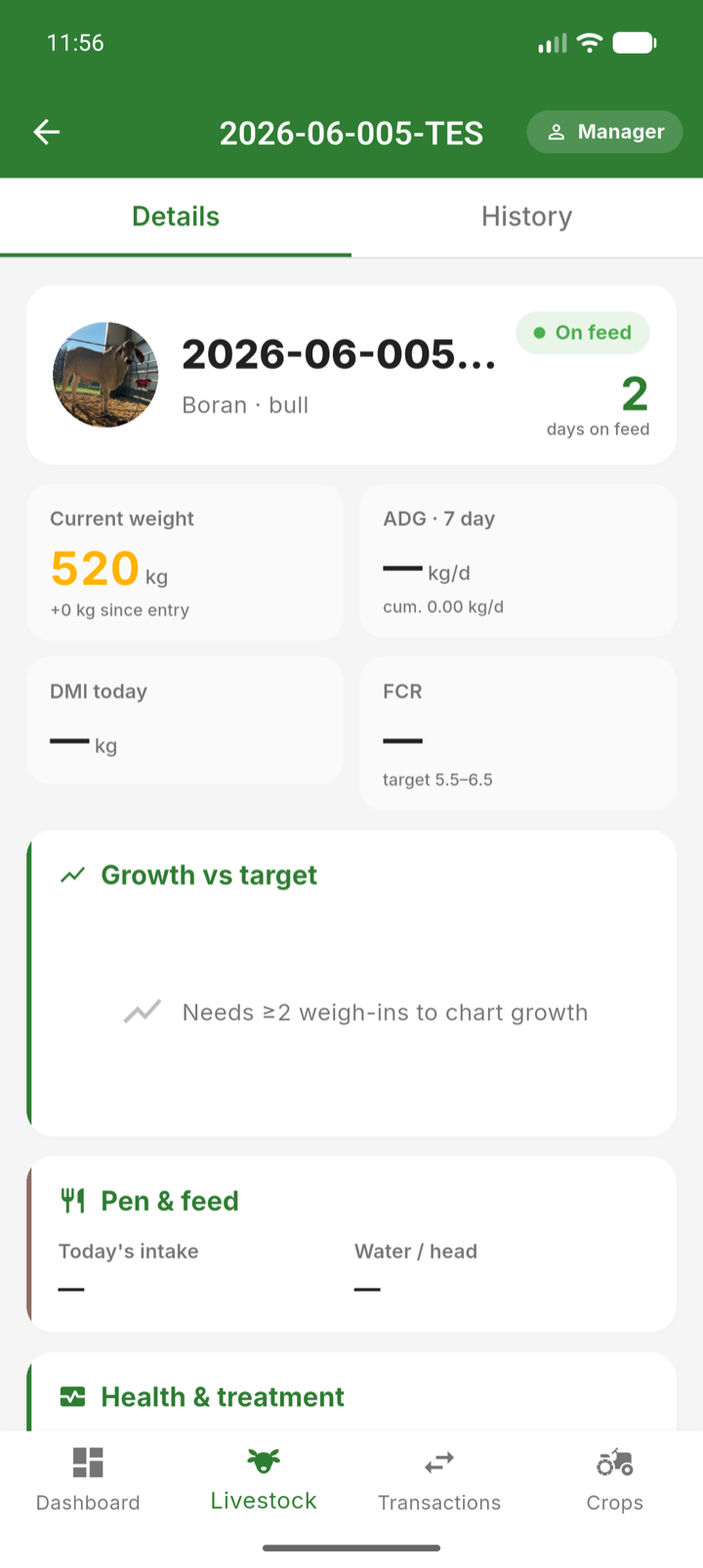
From the herd list you can
- Open any animal to see its full profile — details, weight history, photos, fattening cycle and breeding records.
- Select several animals for bulk actions: move to a project, record a sale, or archive.
- Add a new animal with the add button — by purchase or by birth.
- Switch to the Cattle Projects tab to see how many animals are in each project.
The animal detail page is the animal's life story: everything recorded against it appears in its history, from the original purchase or birth through every weighing, treatment and eventually its sale.
Tip: Archive animals that are no longer active rather than deleting them — their history stays available for reports.